Choosing a Golf Simulator Wisely
Golf simulators are reshaping the landscape of practice, allowing players to refine their skills anytime, anywhere. Are you ready to unlock the secrets of this high-tech approach to the game?
What You Will Learn
- A golf simulator replicates the golfing experience indoors using advanced sensor technology and software.
- There are two main types of simulators: radar-based systems, which provide detailed metrics, and camera-based systems, which are often more affordable but require optimal lighting.
- Key components of a simulator include launch monitors, high-quality displays, and versatile software packages that enhance the user experience.
- When selecting a golf simulator, consider your primary use, space requirements, type of technology, software needs, and user reviews to make an informed choice.
Golf Simulator Technology Overview
Delve into the core components and distinct technologies that power modern golf simulators, comparing radar and camera-based systems.
Radar Technology
Uses Doppler radar to measure ball speed and spin, offering high accuracy and detailed data.
Camera Technology
Employs high-speed cameras to capture swing and ball movement, often more affordable.
Key Components of a Golf Simulator
- Launch Monitors
- Projector/TV Screen
- Software Packages
Understanding the Basics of Golf Simulators for Home or Club Use
Golf simulators are transforming the way we practice and enjoy the game, offering an incredible way to play, learn, and improve without stepping foot on the course. So, what exactly is a golf simulator? In simple terms, it's a high-tech system that uses sensors and software to replicate the golfing experience indoors. This technology allows golfers to play simulated versions of real courses while receiving immediate feedback on their performance. Whether you're a seasoned player or just starting, a golf simulator can help you fine-tune your skills and enhance your enjoyment of the game!
In my journey as a golf enthusiast and journalist, I’ve seen firsthand how these simulators can create a bridge between practice and play. Imagine hitting your favorite course from the comfort of your living room! With the right setup, you can create an engaging environment that not only sharpens your skills but also keeps you motivated. Additionally, research published by the National Institutes of Health highlights the potential for golf simulators to aid in skill development and rehabilitation, demonstrating their broader impact beyond mere entertainment.
What is a Golf Simulator and How Does It Work?
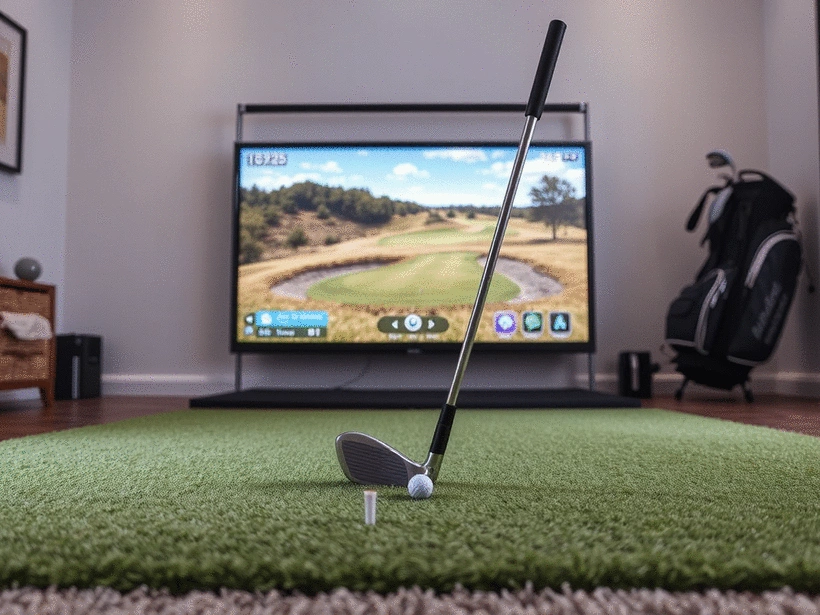
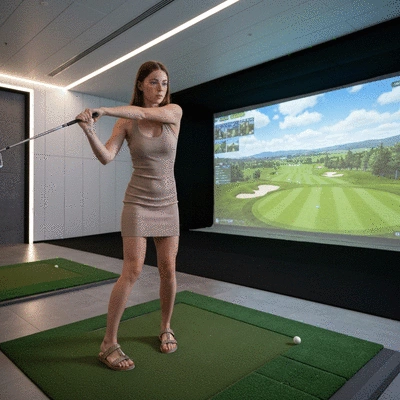
A golf simulator typically consists of a hitting mat, a screen, and a software interface that displays the simulated course and provides analytics. When you hit the ball, sensors capture data about your swing and the ball's trajectory, translating that information into a realistic virtual representation. This electronic feedback loop lets you know how well you're performing and where you can improve.
- Sensor Technology: Various sensor technologies track your swing and ball motion.
- Software Interface: A user-friendly interface displays data like distance and accuracy.
- Realistic Simulation: Features lifelike graphics and physics to mimic real course play.
With this intricate setup, golfers can practice year-round, no matter the weather. That’s why I believe every golfer should consider how a simulator fits into their training regimen!
Different Types of Golf Simulators: Radar vs. Camera Technology
When exploring golf simulators, you'll find two primary types: radar-based and camera-based systems. Understanding the differences between them can help you make an informed decision based on your needs.
- Radar Technology: Uses Doppler radar to measure the ball's speed and spin. These systems are generally more accurate and provide detailed data.
- Camera Technology: Employs high-speed cameras to capture your swing and the ball's movement. It can be more affordable but may require optimal lighting conditions.
Both types have their merits and can significantly enhance your practice sessions. Choosing between them often comes down to budget, space, and personal preference. Make sure to consider what features matter most to you!
Exploring Golf Simulation Technology: Key Components and Functionality
Understanding the key components that make up a golf simulator is crucial for selecting the right one for your needs. Here’s a breakdown of essential elements that you should consider:
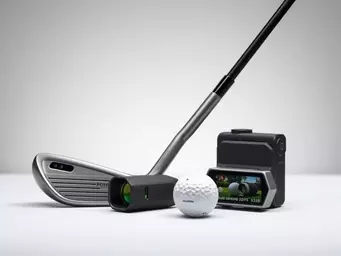
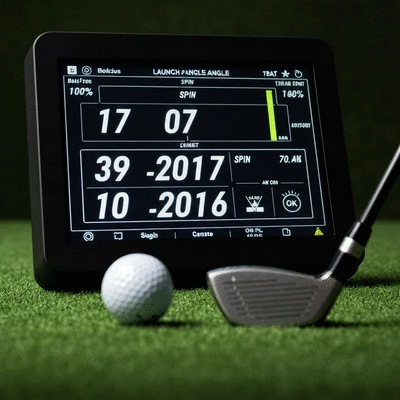
- Launch Monitors: These devices track your ball speed, spin rate, and other performance metrics.
- Projector or TV Screen: A high-quality display ensures you can see the course and your stats clearly.
- Software Packages: Various programs offer different features, from course options to game modes.
Being aware of these components can help you identify what you need to create an immersive golfing experience. I recommend taking the time to research and choose a setup that aligns with your goals, whether that’s improving your swing or just having fun with friends!
Pro Tip
When setting up your golf simulator, consider incorporating a dedicated space that mimics the feel of a real golf course. Adding elements like a putting green or golf-themed decor can enhance your practice experience and keep you motivated to play regularly!
Making an Informed Decision on Your Golf Simulator Purchase
As you dive into the world of golf simulators, it’s crucial to approach your purchase with a clear strategy. The right golf simulator can enhance your game and provide endless hours of enjoyment, but with so many options available, making an informed decision is vital. Here are some key takeaways to consider when selecting the right model for your needs:
- Identify Your Primary Use: Determine whether you’ll primarily use the simulator for practice, entertainment, or both. This will guide your choice of features.
- Evaluate Space Requirements: Make sure your room dimensions and ceiling height can accommodate the simulator comfortably. Resources like the National Golf Foundation's white paper on golf simulators often provide insights into ideal setup conditions.
- Consider Technology Type: Decide between radar and camera-based systems based on your budget and performance expectations.
- Assess Software Needs: Look for simulators that offer software with a variety of courses and game modes to keep your experience fresh.
- Read User Reviews: Insights from other golfers can provide valuable information about performance and reliability. In fact, academic research, such as that found in the UNLV Libraries, sometimes explores user perceptions and satisfaction with golf simulation technology, which can be useful for a comprehensive review.
By keeping these key points in mind, you’ll be better equipped to find a golf simulator that aligns with your expectations and enhances your golfing journey.
Next Steps: Preparing for Your Golf Simulator Journey
Once you’ve decided on the right golf simulator for you, it’s time to prepare for your purchase. This includes understanding the necessary space and budget, as well as how to set up your new equipment effectively. Here are some practical tools and resources to guide you:
- Interactive Space Calculators: Use online tools to accurately measure your available space and determine the best layout for your simulator.
- Budget Quizzes: Engage in quizzes that help you understand potential costs based on your desired features and specifications.
- Shop Smart: Research recommended retailers and online platforms where you can find competitive prices and options.
- Simulator Accessories: Consider additional items like impact screens, projectors, and flooring to enhance your setup and create a realistic golfing environment.
With these steps, you’ll be well-prepared to embark on your golf simulator journey, ensuring that you create the ideal setup tailored to your needs. Remember, at iGolf Magazine, we’re here to provide you with the insights and tips to elevate your game, so don’t hesitate to explore our resources as you move forward!
Frequently Asked Questions About Golf Simulators
- What is a golf simulator?
- A golf simulator is a high-tech system that uses sensors and software to replicate the golfing experience indoors, allowing players to practice and play virtual courses.
- What are the main types of golf simulators?
- There are two primary types: radar-based systems, which use Doppler radar for high accuracy, and camera-based systems, which use high-speed cameras and are often more affordable.
- What are the key components of a golf simulator?
- Key components include launch monitors (to track ball data), a projector or TV screen (for display), and software packages (for courses and game modes).
- How do I choose the right golf simulator?
- Consider your primary use (practice or entertainment), space requirements, the type of technology you prefer (radar or camera), necessary software features, and user reviews.
- Can golf simulators be used for more than just practice?
- Yes, golf simulators can be used for entertainment, playing virtual versions of real courses, and even for golf-related rehabilitation and skill development, as supported by scientific research.
Recap of Key Points
Here is a quick recap of the important points discussed in the article:
- Golf simulators allow for year-round practice and enjoyment, replicating real courses indoors.
- Understand the differences between radar and camera technology to choose the right simulator for your needs.
- Key components to consider include launch monitors, display quality, and software features.
- Identify your primary use for the simulator—whether for practice, entertainment, or both—to guide your purchase decision.
- Evaluate space requirements and ensure your chosen simulator fits comfortably in your designated area.
- Research and read user reviews to find reliable options that meet your performance expectations.