Fixing Common Golf Tech Issues
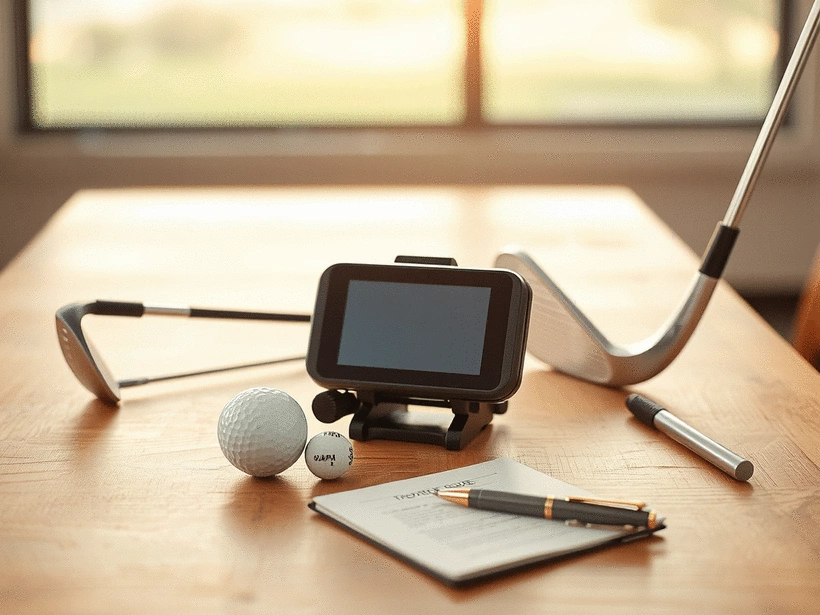
How often do you find yourself frustrated with your golf tech gadgets? Understanding how to troubleshoot these tools can make all the difference between a smooth round and a series of setbacks. Here are the essential takeaways from our guide.
What You Will Learn
- Common issues with golf tech gadgets include connectivity problems, battery life, and sensor malfunctions.
- Effective troubleshooting can often be done without calling customer support; minor adjustments may resolve issues.
- It’s crucial to manage battery life by charging devices regularly and storing them properly to avoid issues.
- Engaging with online golfing communities can provide valuable insights and shared solutions for tech problems.
- Routine maintenance, such as cleaning and updating software, can prevent many common device issues.
Troubleshooting Golf Tech Issues: A Quick Guide
This visual summarizes common issues and troubleshooting tips for various golf tech gadgets, ensuring you spend more time playing and less time fixing.
Launch Monitor Problems
- Ball lock failures
- Calibration errors
- Outdated firmware
Check manufacturer's guide
Rangefinder Complications
- Incorrect readings
- GPS inaccuracies
- Signal interference
Adjust settings & check signal
Arccos Sensor Pairing Issues
- App not updated
- Device not rebooted
- Weak GPS signal
Update app & verify GPS
TruGolf Sensor Blockages
- Dirt or debris
- Calibration issues
- Lack of maintenance
Regular cleaning & setup
Battery Management
- Draining completely
- Not charging after use
- Improper storage
Charge regularly & store cool
General Maintenance
- Dirty contacts/lenses
- Outdated software
- Incorrect app permissions
Clean, update, check permissions
Troubleshooting Common Issues with Golf Tech Gadgets: A Practical Guide
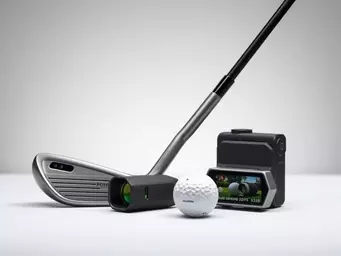
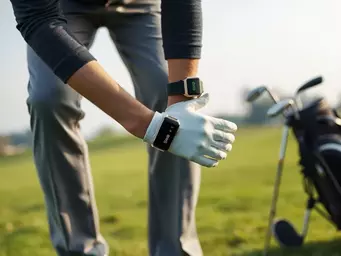
As a passionate golfer and tech enthusiast, I've seen how gadgets like Golf GPS units, launch monitors, and rangefinders have transformed the game. These devices can significantly enhance your performance on the course, but they sometimes come with their own share of issues. From connectivity problems to battery life concerns, understanding these common tech issues is essential for a smooth golfing experience.
Golf tech has gained immense popularity among players aiming to improve their game. However, even the best gadgets can malfunction. Let’s dive into some of the typical issues users may encounter:
- Connectivity issues with Bluetooth devices
- Battery life that doesn’t last through a full round
- Sensor malfunctions affecting performance tracking
By recognizing these problems early, you can troubleshoot them effectively and get back to enjoying your time on the course!

Understanding Common Golf Tech Issues
Each type of golf tech gadget serves a unique purpose and caters to different aspects of the game. For instance, launch monitors provide invaluable insights into your swing mechanics, while rangefinders help you gauge distances accurately. However, the complexities of these devices can lead to frustrating issues that often arise unexpectedly.
As we explore the common issues golfers face, it's crucial to understand that troubleshooting doesn't always mean calling customer support. Often, simple adjustments can do the trick!
Key Troubleshooting Steps for Popular Golf Gadgets
Addressing Launch Monitor Problems
Launch monitors are fantastic tools for tracking your performance, but they can sometimes throw you for a loop. Common problems include:
- Ball lock failures, where the monitor doesn't register shots
- Calibration errors that lead to inaccurate readings
- Outdated firmware that needs updating for optimal performance
By following the manufacturer’s guide to troubleshoot these issues or checking online forums, you can often resolve these problems yourself! For more insights into maintaining golf course technology, which often includes shared components with personal golf tech, you can refer to resources like Golf Course Industry's article on maintenance and troubleshooting.
Solving Rangefinder Complications
When your rangefinder isn't giving you accurate readings, it can throw off your entire game. Here are some common troubleshooting steps:
- Check battery settings to ensure they're correctly configured
- Adjust the GPS settings to enhance accuracy
- Look for signal interference, especially in heavily wooded areas
By keeping these tips in mind, you’ll be well-equipped to tackle any rangefinder complications that come your way!
Fixing Sensor Pairing Issues with Arccos Devices
If you're using Arccos sensors, you might encounter pairing issues that hinder data collection. Here’s how to troubleshoot:
- Ensure your app is updated for seamless compatibility
- Reboot the device to reset the connection
- Verify that your GPS signal is strong enough to pair with the sensors
These simple steps can often resolve your pairing problems, allowing you to get back to analyzing your performance!
Dealing with TruGolf Sensor Blockages
Lastly, maintaining your TruGolf sensors is key for a smooth experience. Common issues include:
- Sensor blockages caused by dirt or debris
- Calibration issues that can occur due to improper setup
- Neglecting regular maintenance, which can lead to performance drops
To keep your golf simulators and training aids in top shape, make sure to follow the recommended maintenance tips. Understanding the broader landscape of golf technology, as outlined in reports like PwC's "Reimagining Golf Technology", can also provide context on the evolving nature of these devices.
Comprehensive Troubleshooting for Maintenance and Prevention
Battery Management Tips for Longevity
Effective battery management is crucial for your golf gadgets, especially Bluetooth devices and smart golf balls. Here are some strategies:
- Don’t let the battery drain completely before recharging
- Charge your devices after every use to maintain optimal battery life
- Store devices in a cool, dry place to avoid battery damage
These tips ensure that your gadgets are always ready when you need them, helping you maintain your focus on the game! For more industry-specific data and reports on golf technology and its impact, the NGCOA's info-centers can be a valuable resource.
General Tips for Maintaining Golf Tech Gadgets
Proper maintenance goes a long way in preventing issues. Here are some general tips for keeping your devices in excellent condition:
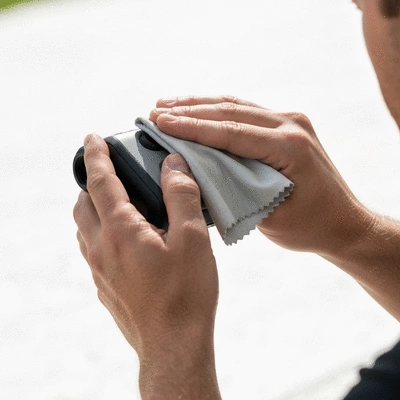
- Regularly clean the contacts and lenses to avoid performance issues
- Update software to ensure your devices have the latest features
- Check app permissions to ensure smooth integration with your devices
By following these maintenance tips, you can avoid many common problems and keep your golf tech running smoothly.
Advanced Troubleshooting Techniques
Firmware Updates and Diagnostics
For those tech-savvy golfers, performing firmware updates can significantly improve device performance. Here’s what you need to know:
- Follow the manufacturer’s instructions for firmware flashing
- Run diagnostics to identify potential issues
- Keep a record of your device’s performance metrics for future reference
These advanced techniques can help you troubleshoot more complex issues, ensuring your devices work efficiently.
Weather-Related Failures and Solutions
Weather can greatly affect gadget functionality. Here are some tips for maintaining your devices during harsher conditions:
- Protect devices from rain by using waterproof cases
- Allow devices to accustom to temperature changes before use
- Store devices properly when not in use to avoid moisture damage
Taking these precautions will help extend the lifespan of your golf tech, letting you focus on your game!
Frequently Asked Questions (FAQs)
- Q1: What are the most common issues with golf tech gadgets?
- A1: Common issues include connectivity problems with Bluetooth devices, short battery life, and sensor malfunctions that affect performance tracking.
- Q2: Can I troubleshoot my golf tech gadgets without contacting customer support?
- A2: Yes, many common problems can be resolved with simple adjustments like checking battery settings, rebooting devices, updating apps, and performing regular cleaning and maintenance.
- Q3: How can I extend the battery life of my golf gadgets?
- A3: To extend battery life, avoid letting devices drain completely, charge them after every use, and store them in a cool, dry place.
- Q4: Why is regular maintenance important for golf tech?
- A4: Regular maintenance, such as cleaning contacts and lenses, updating software, and checking app permissions, helps prevent common issues and ensures your devices perform optimally.
- Q5: Where can I find additional help for troubleshooting my golf tech?
- A5: Engaging with online golfing communities and forums can provide valuable insights and shared solutions. Additionally, always check user manuals and manufacturer FAQs for specific device guidance.
Community Insights and Shared Solutions
Lastly, I encourage all golfers to share their troubleshooting experiences! Engaging with others in the community can provide valuable insights and solutions. Participating in forums can help you:
- Tap into user-generated content for tips and tricks
- Access customer support resources that might help you
- Learn about solutions others have found effective
Sharing experiences fosters a sense of community, enhancing our collective golfing journey and helping us all improve our game!
Pro Tip
Did you know? Regularly updating the firmware of your golf gadgets can significantly enhance their performance and reliability. Not only does it fix bugs, but it also often includes new features that can help you better analyze your game and make necessary adjustments on the course.
Wrapping Up Your Troubleshooting Journey
As we wrap up our exploration of troubleshooting common golf tech gadgets, it's crucial to summarize the key troubleshooting techniques we've discussed. Understanding how to effectively address issues like battery management, sensor calibration, and connectivity can significantly enhance your golfing experience. Each of these steps not only helps in resolving immediate problems but also contributes to a deeper understanding of device compatibility and performance analytics.
Recap of Essential Troubleshooting Techniques
Here’s a quick rundown of the essential troubleshooting steps we covered for popular golf tech gadgets:
- Identifying battery issues and ensuring proper maintenance.
- Calibrating launch monitors to avoid ball lock failures.
- Troubleshooting rangefinder GPS inaccuracies.
- Fixing pairing issues with Arccos devices.
- Addressing sensor blockages in TruGolf simulators.
By keeping these techniques in mind, you'll be better prepared to tackle any challenges that arise with your golf gadgets. Remember, the goal is to enhance your game and enjoy every moment on the course!
Engaging with the Community for Ongoing Support
One of the best resources for troubleshooting is our vibrant golfing community! I encourage you to participate in community forums or comment sections to share insights and tips. Your personal experiences can be invaluable to others, and in return, you can gain knowledge from seasoned golfers facing similar issues. Collective knowledge is a powerful tool when it comes to solving golf tech issues!
Don't forget to check out user manuals and troubleshooting FAQs available for your devices. These resources can provide quick solutions to common problems and save you valuable time on the course.
Next Steps for Consistent Performance
Now that you have a solid understanding of troubleshooting techniques, it's time to put them into action! I encourage you to test out the strategies we've discussed in this article. Whether you're working with swing speed radars or golf performance apps, keeping your gadgets in top condition is essential for consistent performance on the course.
Share your results with us! Your feedback not only helps you grow as a golfer but also strengthens the community at iGolf Magazine. Together, we can elevate our game and embrace the joys of golfing technology!
Recap of Key Points
Here is a quick recap of the important points discussed in the article:
- Identify and troubleshoot common connectivity issues with Bluetooth devices.
- Manage battery life effectively to ensure your gadgets last through an entire round.
- Calibrate launch monitors to prevent ball lock failures and ensure accurate readings.
- Address sensor pairing issues with Arccos devices by updating apps and rebooting devices.
- Maintain TruGolf sensors by keeping them clean and ensuring proper calibration.